
7 Best Employee Time Clock Apps for iPad
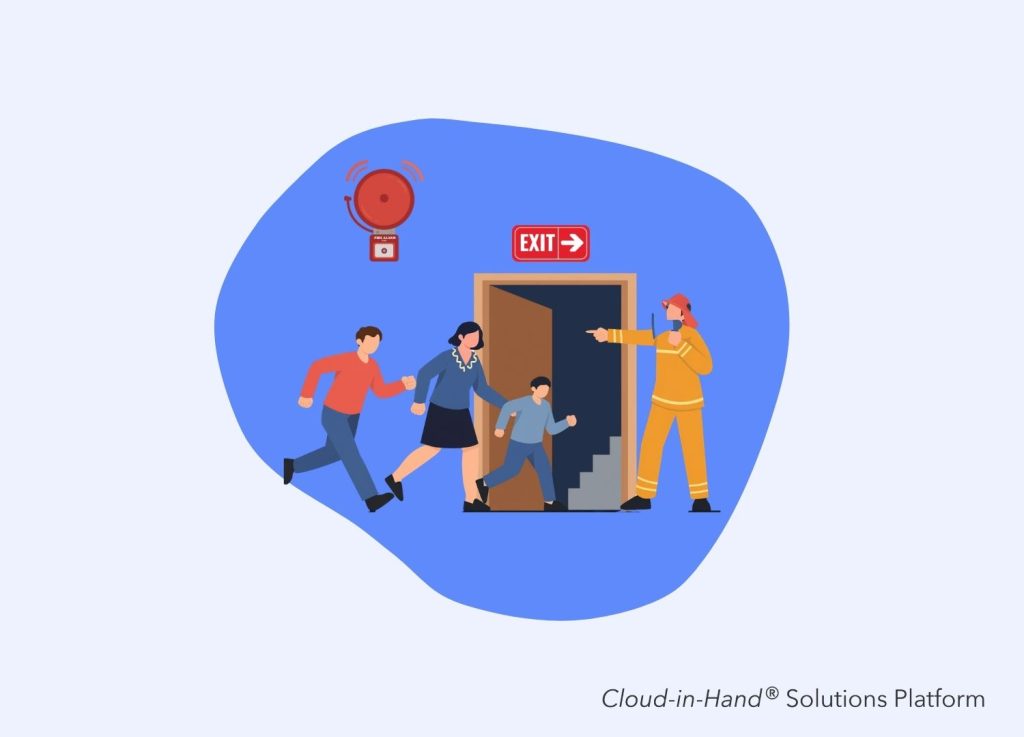
Table of Contents
Disclosure: Cloud-in-Hand publishes this site, and Stratus-io is our own product, so we rank it first. Every competitor description is factual and sourced from each vendor’s own site, and we say plainly when another tool is the better fit.
An iPad is already the cheapest fixed clock-in station most employers can buy: a big touchscreen, a front camera, Bluetooth, and a wall mount under $100. The job of an iPad time clock app is narrow and unforgiving: lock the tablet to one screen, prove who is punching, and keep recording when the Wi-Fi drops.
Cloud-in-Hand publishes this site, and Stratus-io is our product. We put it at number one, and we name the places where it’s the wrong fit. The other six picks are real iPad kiosk products with published feature pages; we link every vendor claim to the page we read it on.
Key Takeaways
- An iPad time clock needs four things: kiosk lock, identity verification, offline capture, and a clean payroll export.
- PIN entry is the weakest identity check on a shared tablet. Badge tap and face matching are harder to fake.
- Stratus-io ranks first because it runs the same check-in on iPad, iPhone, Android, and Windows, and reads the RFID badges your team already carries.
- Homebase, Jibble, and Connecteam publish free tiers. Deputy and Buddy Punch publish per-user pricing. NoahFace and Cloud-in-Hand quote custom pricing.
- If you only need shift scheduling for one restaurant, a small business platform will serve you better than an enterprise attendance system.
What an iPad time clock app has to do at shift change
A shift change is the only test that matters: forty people arrive inside six minutes, and the kiosk either keeps up or a line forms out the door. Speed comes from the identity method: a badge tap clears in under a second, a PIN takes five to eight seconds, a face match sits in between.
Kiosk lock is the second requirement. Without Apple’s Guided Access or a managed Single App Mode profile, someone will exit the app and open Safari in week one. Offline capture is the third, since a clock that refuses punches during an outage creates payroll disputes you’ll settle by hand. Payroll export closes the loop: either the vendor runs payroll itself, or writes a file your payroll system can ingest without retyping hours.
We started with 10 candidates and cut four that don’t ship a genuine shared-device kiosk. We scored on kiosk mode, identity verification, documented offline behavior, published pricing, and fit for site size. We didn’t score App Store ratings, since those move weekly.
Stratus-io earns the top slot on one strength: it turns an iPad into a badge-reading clock without locking you to iPad hardware. The same RFID system runs on iPhone, Android, and Windows from one account, so a mounted iPad covers the main gate while a supervisor walks the yard with a phone, both feeding one attendance record.
Paired with our idChamp NF4 Bluetooth reader, Stratus-io reads PROX, Corp 1000, MIFARE, iClass, and Elite credentials, plus barcode and QR. We manufacture those readers, which is why competitors including NoahFace buy idChamp hardware for their own RFID features. Kiosk mode runs hands-free, offline capture syncs on reconnect, and data exports to Excel, SQL, FTP, Active Directory, Google Drive, or Dropbox.
In our Drewlo Holdings deployment, geofence clock-in tightened payroll accuracy across multiple properties. On Gilbane’s 1 million square foot site, badge check-in tracked subcontractors who never appeared on a payroll roster. LeSueur Inc. reports saving about $6,000 a year after leaving manual sheets.
Where it’s the wrong pick: we don’t run payroll or build schedules, so a 12-person cafe should buy Homebase or Connecteam instead. Pricing is custom and quoted per deployment.
NoahFace is the most iPad-committed product here, quoting a single hardware cost of $349 per iPad (10th gen, 64GB, April 2024 pricing). Facial recognition is the core identity method, recording a contactless punch with no button to press.
NoahFace extends into access control, visitor registration, and breath testing for alcohol screening, suiting mining, transport, and heavy industry. Payroll integrations cover Workday, UKG, isolved, and SAP SuccessFactors, skewing enterprise. Pricing is custom, scaled on user and device count, with one, three, and five year contract options.
Where NoahFace wins: face-only verification with alcohol screening in the same panel. The limitation: it’s iPad-locked by design, so standardizing on Android or Windows means buying iPads to fit the software.
Deputy pairs an iPad kiosk with scheduling, the combination most hourly retail and hospitality teams want. Its kiosk identity check is biometric face-unlock, available on Core and above.
Published rates are $5/user/month for Lite, $6.50 for Core, $9 for Pro, with a $30/month minimum spend per invoice. Payroll is a separate add-on at $8/user/month, sending timesheets into Paycor.
Where Deputy wins: shift scheduling, solved natively. The limitation: face-unlock sits behind Core, so the cheapest plan leaves a weaker check, and Deputy doesn’t read PROX or iClass badges.
Buddy Punch lets managers use an iPad as a time clock kiosk. Identity verification changes by tier: webcam from Starter up, PIN and kiosk punch at Pro, iOS Face ID across all plans.
Annual billing runs $4.99/user/month for Starter, $6.99 for Pro, $12.99 for Advanced, plus a $19 base fee. Add-ons price separately: GPS at $2/user, payroll at $8/user plus $49 base.
Where Buddy Punch wins: transparent, low entry pricing with a self-serve trial. The limitation: PIN and kiosk punch is gated to Pro, so the advertised rate doesn’t buy the kiosk you came for, and there’s no published offline mode or RFID reading.
Jibble publishes the most generous entry point here: free forever, unlimited users, with mobile and web clock-in, basic timesheets, and Slack, Teams, and QuickBooks integrations at no cost. Its kiosk supports PIN, face ID, or NFC tap, and offline handling is documented, which many competitors skip.
Where Jibble wins: cost of entry, since a 40-person contractor can pilot for zero software spend. The limitation: Jibble doesn’t publish per-user rates for paid tiers, and it isn’t built for emergency accountability against OSHA duties.
Homebase lets employees clock in on any device, with hours flowing into payroll from phones, tablets, and POS terminals. On a shared iPad, each employee gets a unique PIN and a photo capture for verification, with offline capture included.
Pricing is per location, not per user: Basic is $0 for up to 10 employees at one location, Essentials $30/month, Plus $70, All-in-One $120. Payroll is an add-on at $39/month plus $6 per employee paid.
Where Homebase wins: unlimited employees at a flat per-location rate, so a 45-staff restaurant pays $30 a month. The limitation: that model inverts at scale, since twelve locations means twelve subscriptions, with no badge support or emergency headcount reporting.
Connecteam ships a dedicated Kiosk App for a shared tablet. Identity runs on a personal 4-digit PIN, with an optional selfie at clock-in, and the kiosk app is available on every plan tier including free ones.
Pricing bundles into hubs: the Operations Hub runs $29/month for the first 30 users on Basic, up to $99 on Expert. A Small Business plan is free for life up to 10 employees.
Where Connecteam wins: breadth for deskless teams, with chat, checklists, and training in the same app as the clock. The limitation: PIN codes are the only real identity check unless you turn on selfies, and neither stops a determined colleague from punching a coworker in.
Which iPad time clock app should you pick
Pick by site profile. One restaurant with 45 staff should start with Homebase; a 25-person field crew with no company email should start with Connecteam. Teams wanting scheduling and clocking together should shortlist Deputy; teams wanting the lowest entry cost should pilot Jibble. Employers with 200 or more people, existing badges, and OSHA accountability duties should shortlist Stratus-io and NoahFace; the deciding question is whether you want to standardize on iPads forever.
Our position: buying a device-locked clock is the mistake that costs the most three years out. Sites change, tablets get replaced, and a platform that runs on iPad, iPhone, Android, and Windows survives that churn.
What OSHA Requires
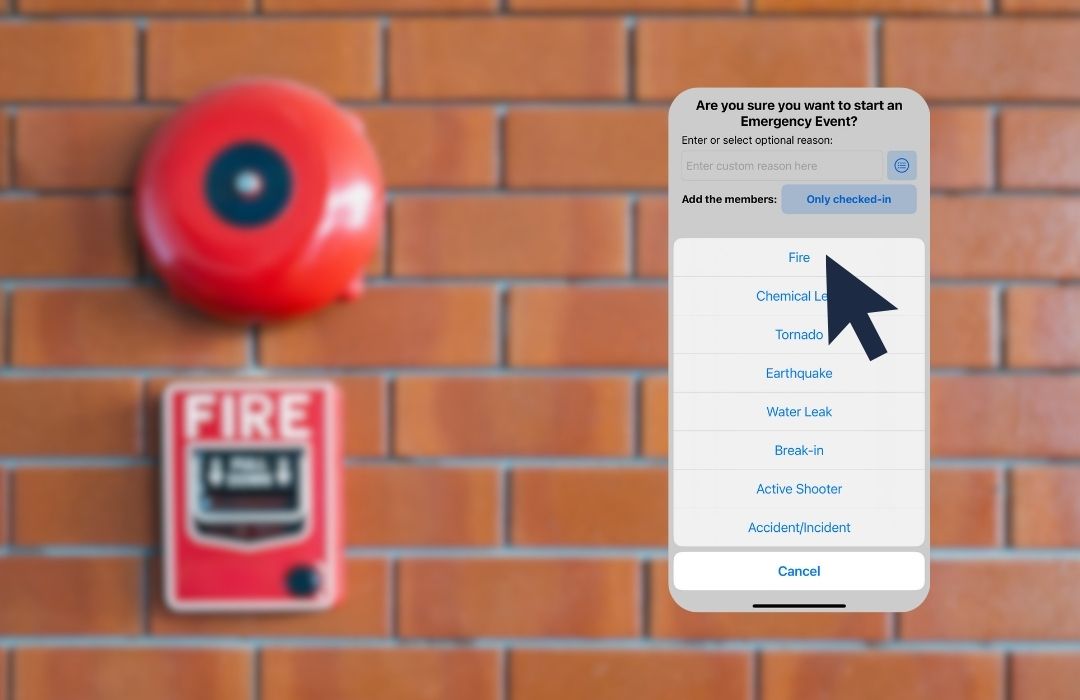
OSHA 1910.38(c)(4) requires an emergency action plan to include procedures to account for all employees after an evacuation. A time clock that already knows who badged in this morning is the fastest source for that roll call, so ask any vendor on your shortlist whether their kiosk data can produce one.
Cloud-in-Hand® Solutions Team
This blog reflects the expertise of the Cloud-in-Hand® Solutions Team, with over 100 years of combined experience in hardware, software, and firmware development. Since founding Solutions Consulting in 1992 — now known as Serialio LTD — the Solutions Team has designed and developed many innovative solutions. Cloud-in-Hand® Stratus-io Time and Attendance helps organizations like Apple, Google, Toshiba, LinkedIn, Salesforce, and many more.
Cloud-In-Hand® Solution Team
This blog reflects the expertise of the Cloud-in-Hand® Solutions Team, with over 100 years of combined experience in hardware, software, and firmware development. Since founding Solutions Consulting in 1992 — now known as Serialio LTD — the Solutions Team has designed and developed many innovative solutions. Cloud-in-Hand® Stratus-io Time and Attendance helps organizations like Apple, Google, Toshiba, LinkedIn, Salesforce, and many more.
Frequently Asked Questions
Can you use an iPad as an employee time clock?
Yes. Most vendors ship a kiosk mode that locks a shared iPad to a single clock-in screen. Mount it near the entrance, enable Guided Access or Single App Mode, and staff punch in on the way past.
How do employees clock in on a shared iPad without buddy punching?
Four common checks: a personal PIN, a photo at the punch, face matching, and a badge tap. Badge tap is hardest to fake since the credential has to be physically present at the reader.
Does an iPad time clock work without internet?
Stratus-io, Jibble, and Homebase all publish offline clock-in that stores punches on the device and syncs when the connection returns. Confirm the behavior before deploying to a site trailer or basement dock.
Learn About Stratus-io
August 16, 2026

July 19, 2026